 Sticker Maker
Automatic grid detection
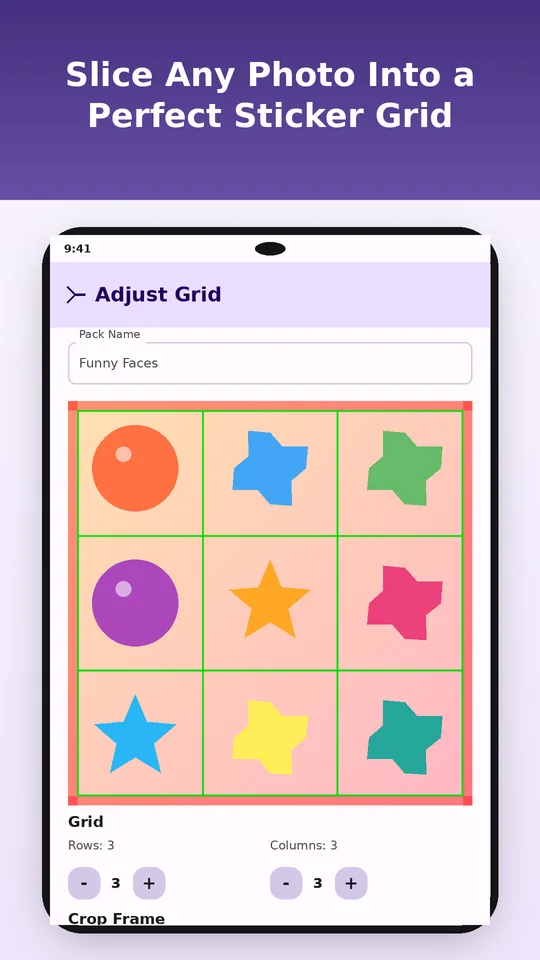
Finds the gaps between stickers and sets rows and columns for you, from 2 × 2 up to 10 × 10.
Free WhatsApp sticker maker for Android
Sticker Maker from AI cuts a grid image from ChatGPT, Gemini, Midjourney or your own drawings into separate 512×512 stickers, then adds the whole pack to WhatsApp in one tap. Photo to sticker pack in under a minute, with no design skills.
Works with sheets from
ChatGPTGoogle GeminiMidjourneyMicrosoft CopilotCanvaHand-drawn sheetsPhoto collagesHow it works
Make a sheet with any AI image tool, or use a photo with a few faces in it. The app handles the cutting, sizing and WhatsApp formatting.
Tap + and pick the image. The Android Photo Picker shows only what you choose.
Rows and columns are detected from the white gaps between stickers. Nudge rows, columns or cell size if a line is off.
Drag the crop frame and pinch to zoom to cut away empty margins.
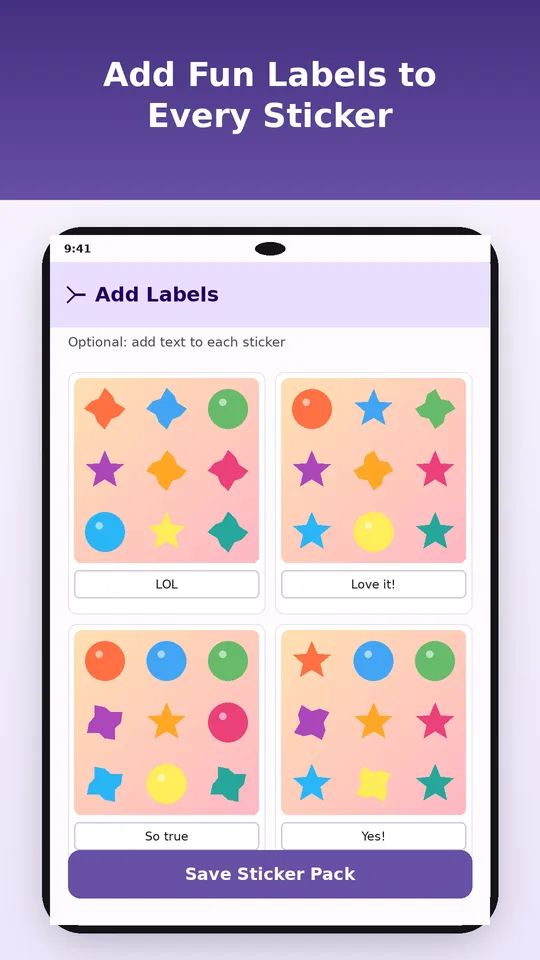
Type a word under any sticker: "lol", "on my way", "happy birthday". Optional.
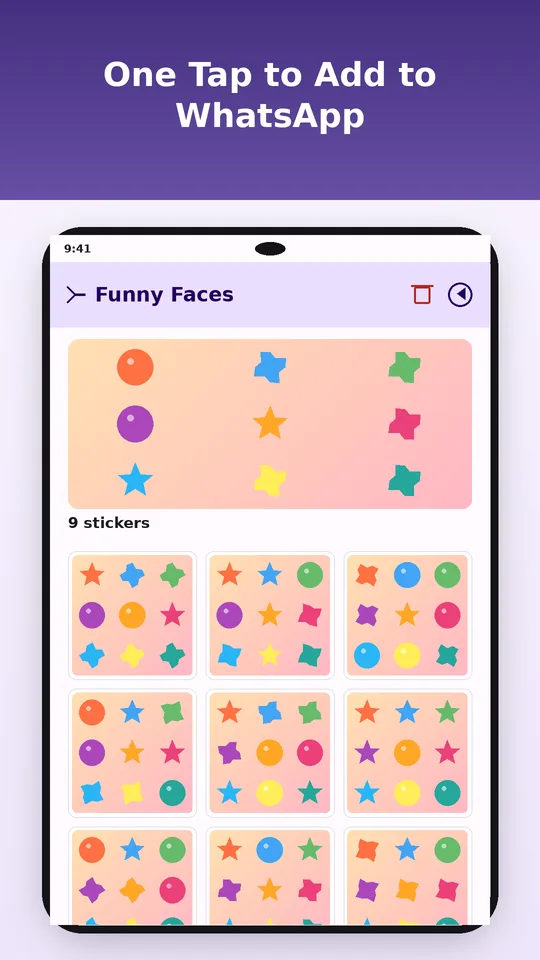
Save the pack and tap Add to WhatsApp. Confirm once and your stickers are in the tray.
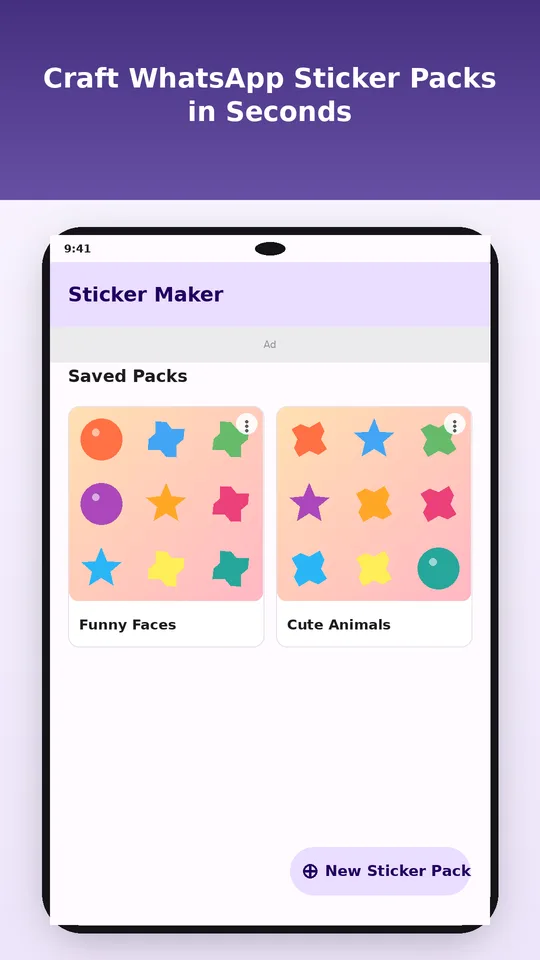
Features
Finds the gaps between stickers and sets rows and columns for you, from 2 × 2 up to 10 × 10.
Set the cell size in pixels and trim every edge with sliders. Zoom up to 5× to line it up exactly.
Write a word or a short line on each sticker. Bold white text with a soft shadow stays readable in any chat.
Every sticker is resized to 512×512, saved as WebP and compressed under 100 KB. The tray icon is made for you.
Saved packs stay in the app. Open one to view, edit or delete it, or send it to WhatsApp again on a new phone.
Images are sliced on your phone, never uploaded. No account, no storage permission, no watermark.
WhatsApp sticker requirements
WhatsApp rejects stickers that are the wrong size, format or weight. Sticker Maker handles every rule, so a pack never fails to import.
| Rule | WhatsApp needs | Sticker Maker |
|---|---|---|
| Sticker size | 512 × 512 px | Auto-resized |
| File format | WebP | Converted |
| File weight | Under 100 KB | Re-compressed if needed |
| Tray icon | 96 × 96 px | Made from sticker #1 |
| Stickers per pack | 3 to 30 | First 30 sent |
| Install | Official sticker API | One tap |
Free AI sticker prompts
Paste one into ChatGPT, Gemini or Midjourney, attach a photo if the prompt asks for one, and save the result. Then slice it in the app.
Create a sticker sheet of 9 cartoon stickers of my pet (photo attached), arranged in a 3×3 grid. Show 9 emotions: happy, laughing, sleepy, angry, in love, shocked, thumbs up, crying, cool with sunglasses. Thick white outline around each sticker, plain white background, wide even white gaps between stickers, no text.
Turn the person in the attached photo into a cute chibi character and make a sticker sheet of 12 poses in a grid of 4 columns and 3 rows: waving, facepalm, heart hands, thinking, celebrating, coffee, sleeping, OK sign, shrug, laughing, surprised, blowing a kiss. Bold outlines, flat colors, white background, clear white space between every sticker, no text.
Design a 4×4 sticker sheet of 16 friendly blob characters for work chats. Each one acts out a quick reply: on it, done, meeting?, lunch?, running late, great idea, need coffee, brb, thanks, oops, yes, no, maybe, weekend, focus mode, high five. Flat vector style, thick white die-cut outline, white background, equal spacing, leave room under each for a caption.
Tip for a clean slice: ask for a plain white background and wide white gaps between stickers. The grid detector looks for those white lines, so even spacing gives you a perfect cut on the first try.
FAQ
Save the sheet to your phone, open Sticker Maker from AI, tap + and pick the image. The app detects the grid, slices each cell into a 512×512 sticker, and adds the pack to WhatsApp when you tap Add to WhatsApp. It takes under a minute.
Yes. It's free on Google Play and supported by ads. No sign-up, no subscription and no watermark on your stickers.
Any tool that makes an image: ChatGPT, Google Gemini, Midjourney, Microsoft Copilot and Canva, plus hand-drawn sheets and photo collages. The app slices the image itself, so the source doesn't matter.
WhatsApp accepts 3 to 30 stickers per pack. The app auto-detects grids up to 10 × 10 and sends the first 30 stickers of a pack. Split bigger sheets into several packs.
512×512 pixel WebP files under 100 KB, plus a 96×96 tray icon made from the first sticker. That's exactly what WhatsApp requires, so you never resize anything.
No. Slicing, captions and compression all happen on your phone. The app opens images through the Android Photo Picker and needs no storage permission. The internet connection is used for ads.
Yes. If regular WhatsApp isn't installed, the pack goes to WhatsApp Business instead.
Not yet. Sticker Maker from AI runs on Android 8.0 and later.
No. Each sticker keeps the background of its cell. For clean results, ask your AI tool for a plain white background, a thick white outline and white gaps between stickers.
No. It's an independent app by LutraApps, not affiliated with, endorsed or sponsored by WhatsApp or Meta. It uses WhatsApp's public sticker pack interface.
Pet faces, group selfies, memes, fan art. Make the pack tonight and send it before anyone else in the group chat does.
More by LutraApps